 VidSnag
Home/YouTube to MP4
Free YouTube to MP4 Downloader
Paste a YouTube link, pick a quality up to 4K, and save the video as a standard MP4 file that plays on any phone, TV, laptop, or editor. VidSnag is a free desktop app, so there are no ads, no pop-ups, and no sign-up.
MP4 is the format that just works. Drop it onto an iPhone, an Android tablet, a smart TV, or a video editor and it opens without converting anything first. VidSnag pulls the real YouTube file and writes it straight to disk as an MP4, so what you save is exactly what you can play later.
Download VidSnag free for Windows
Save YouTube videos as MP4. No ads, no pop-ups, no account.
Download VidSnag freeWhat MP4 quality you can save
VidSnag lets you choose the resolution before you download, so you can match the file to your screen or your storage:
- 4K MP4: grab the sharpest copy a video offers, perfect for big TVs and editing projects.
- 1080p MP4: crisp full HD that looks clean on almost any modern device.
- 720p MP4: a lighter file that still looks good on phones and tablets.
- 480p MP4: the smallest option when you care more about saving space than detail.
Why MP4 and not some other container? Because MP4 is the closest thing the web has to a universal video format. Phones, browsers, TVs, game consoles, and editing software all read it out of the box, so you never have to install a special player or run a separate converter.
How to download a YouTube video as MP4
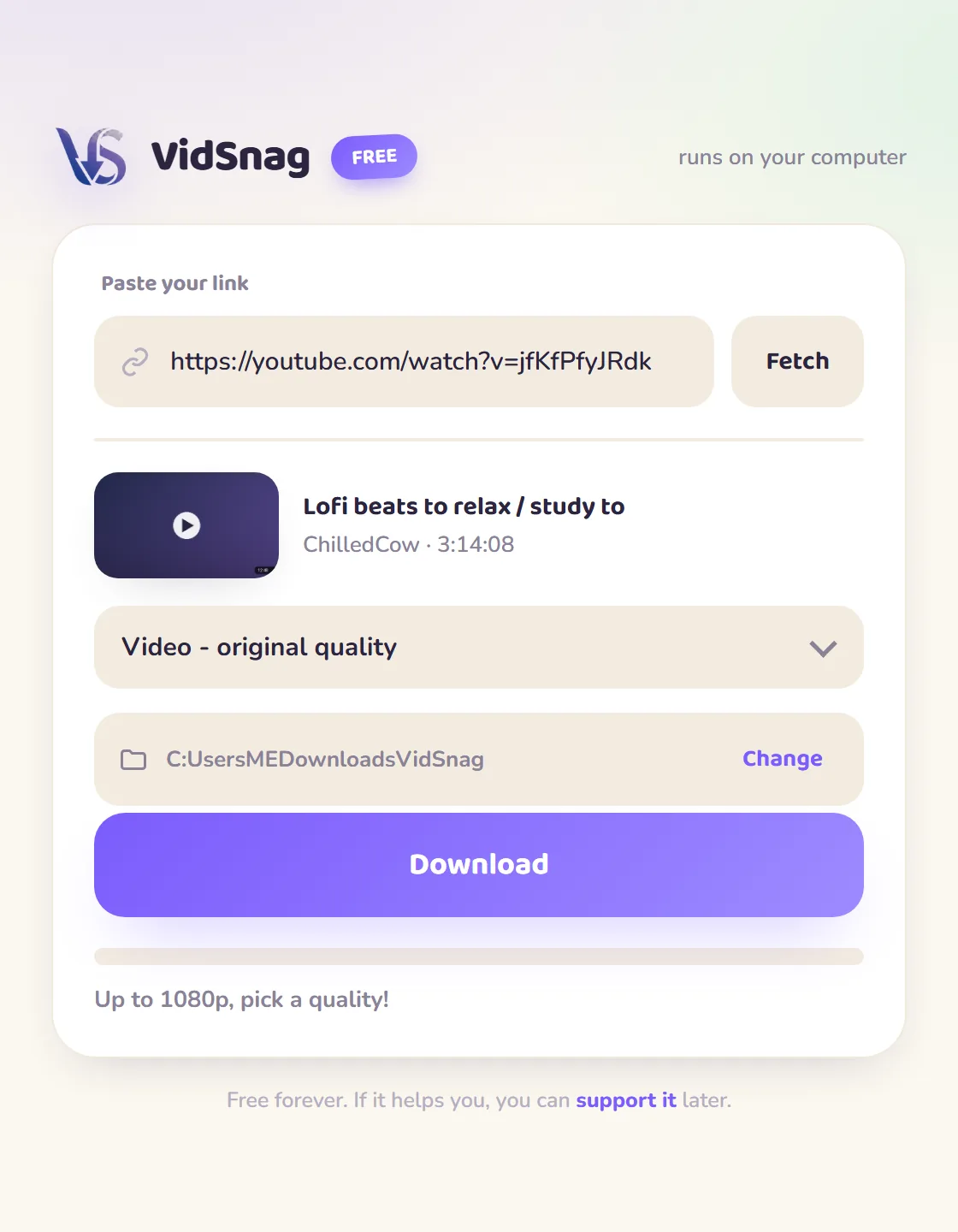
- Install VidSnag. Download VidSnag and open it. There is no account to create and nothing to register.
- Copy the YouTube link. Tap Share on the video or copy the address from your browser bar, then return to VidSnag.
- Paste the link and choose MP4 quality. Drop the link into VidSnag and select your MP4 resolution, from 4K down to 480p.
- Save the MP4 file. Press download and the finished MP4 lands in the folder you picked, ready to play anywhere.
Online MP4 sites vs VidSnag
| Online MP4 sites | VidSnag | |
|---|---|---|
| Pop-ups & fake buttons | Common | None |
| How the MP4 is made | Server re-encodes it | Stream-copied, no re-encode |
| Max MP4 quality | Capped by their re-encode (often 720p) | Source quality up to 4K |
| Privacy | Link sent to their server | Runs on your PC |
| Price | "Free" with upsells | Actually free |
Why a desktop MP4 downloader is better
The real difference is what happens to the picture. An online site re-encodes the video on its own server to hand you an MP4, and that re-encode is exactly why you wait in an ad-backed queue, why the resolution gets capped, and why the result looks softer than the original. VidSnag never re-encodes. It stream-copies YouTube's native MP4 straight to your folder, and when YouTube stores high-resolution video and audio as separate streams it merges them losslessly with ffmpeg, so you keep the source quality bit-for-bit with no waiting and nothing uploaded. For the long version, read our guide on how to download YouTube videos, or try the broader YouTube downloader page.
Frequently asked questions
Is this YouTube to MP4 downloader really free?
Yes. VidSnag is completely free, with every feature included and no trial or paywall. It is funded by optional donations, not ads.
Will the file actually be a standard MP4?
Yes. VidSnag saves a regular MP4 video file that opens in any standard player, browser, or editor without conversion.
Can it save YouTube videos as MP4 in 4K?
Yes. If the video was uploaded in 4K you can save the MP4 in 4K, or step down to 1080p, 720p, or 480p.
Will the MP4 play on my phone and TV?
Yes. MP4 is a universal format, so the saved file plays on iPhone, Android, smart TVs, consoles, and editing software.
Is it safe?
Yes. It runs locally, bundles no adware, and is open source on GitHub with a published SHA-256 checksum and a clean VirusTotal scan, so you can verify it yourself.
Do I need a YouTube account or Premium?
No. You do not need Premium or any account. You just paste a public video link and save the MP4.
Does it work with YouTube Shorts and music videos?
Yes. Paste a Shorts or music video link the same way you would any regular video and save it as MP4.
Is downloading YouTube videos legal?
You are responsible for what you download. Respect copyright and YouTube's terms, and only save content you have the right to keep.