 VidSnag
Home/YouTube Shorts Downloader
Free YouTube Shorts Downloader
Paste a YouTube Shorts link and download it in full HD as MP4, or choose MP3 if you only want the audio. VidSnag is a free desktop app that runs on your own computer with no ads, no pop-ups, and no sign-up, and it never adds a watermark.
Shorts are fast, vertical, and easy to lose the moment you scroll past them. The online tools that promise to save them usually stamp a watermark across the frame, squeeze the quality, or send your link off to some unknown server. VidSnag skips all of that: it pulls the real vertical file at its original quality, straight to a folder you pick.
Download VidSnag free for Windows
Free YouTube Shorts downloader. No ads, no pop-ups, no account.
Download VidSnag freeWhat you can save from Shorts
VidSnag runs on the open-source yt-dlp engine, so a YouTube Short comes through clean and complete:
- HD vertical MP4. The full portrait video, sized exactly as it was uploaded, ready to replay or repost.
- MP3 audio. Love the track or voiceover behind a Short? Save the sound on its own and leave the video behind.
- Original quality, no watermark. VidSnag never stamps a logo on top and never re-encodes down to a blurry copy.
How to download a YouTube Short
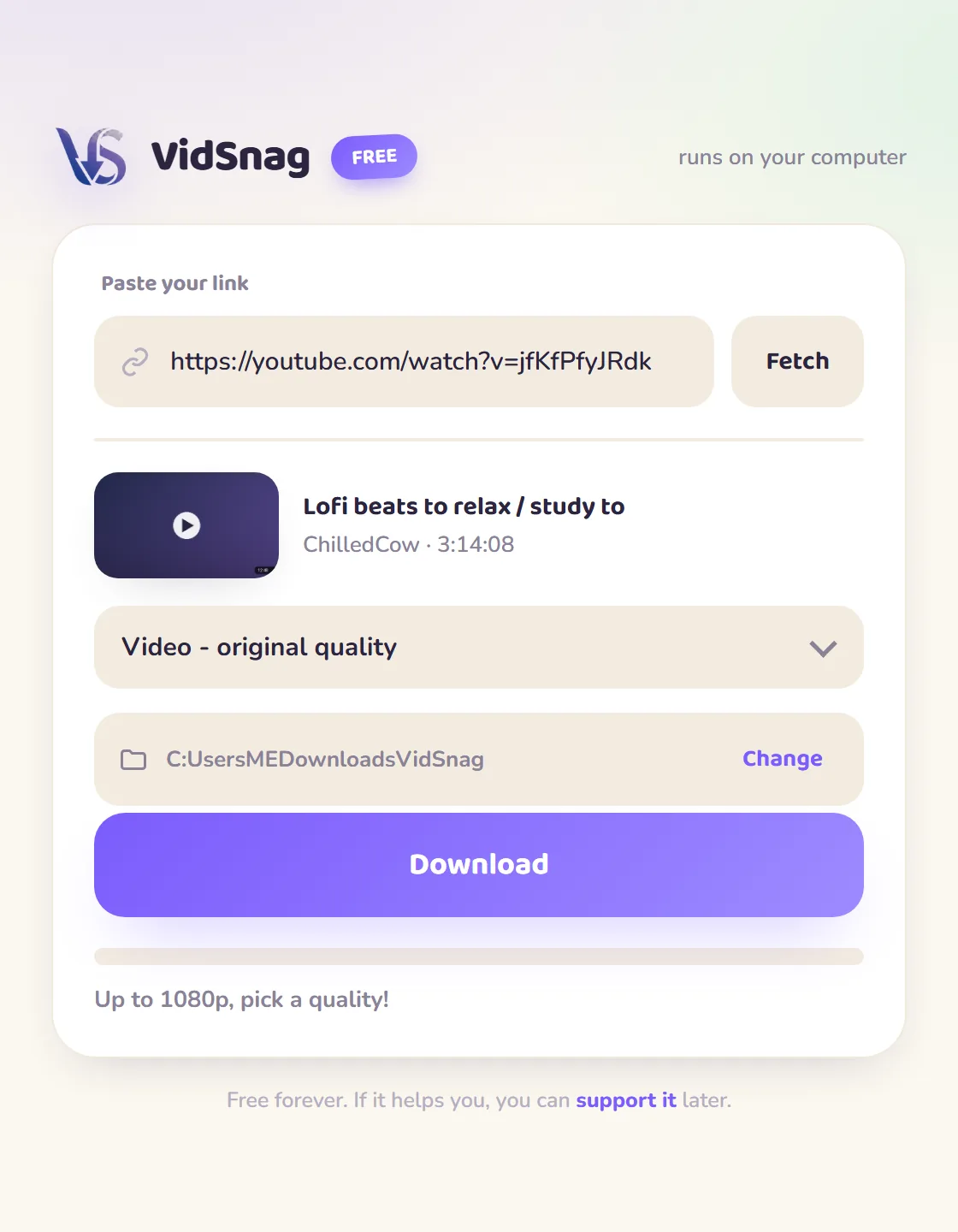
- Get VidSnag. Download and open the app. There is no account to create and nothing to sign up for.
- Copy the Shorts link. Tap Share on the Short, or copy the URL from your browser's address bar.
- Paste and choose MP4 or MP3. Drop the link into VidSnag, then pick full HD MP4 video or MP3 audio only.
- Download. The vertical Short saves to the folder you choose, with no redirects and no extra tabs.
Online Shorts sites vs VidSnag
| Online sites | VidSnag | |
|---|---|---|
| Watermark on the video | Their label stamped on the frame | Never |
| Quality | Vertical Short handed back downscaled | Original resolution and frame rate |
| MP3 audio | Sometimes | Yes |
| Privacy | Short's link sent to their server | Runs on your PC |
| Price | "Free" with upsells | Actually free |
Why download Shorts with a desktop app
Shorts are vertical and they slip away fast; once a good one scrolls past the feed it is hard to find again, so the moment you want to keep it is the moment to save it. Ad-funded web tools tend to hand back a downscaled copy of that vertical clip, and many stamp their own label onto the frame so the video quietly advertises them everywhere you repost it. A local app skips all of that. It saves the Short at its original resolution and frame rate, clean, with no logo on the picture and no ad page sitting between you and the download. The link never leaves your computer either. For the longer walkthrough see our guide on how to download YouTube videos, and if you also grab full-length clips the YouTube downloader page covers those.
Frequently asked questions
Is this YouTube Shorts downloader really free?
Yes. VidSnag is completely free, with every feature included and no trial or paywall. It is funded by optional donations, not ads.
Does it add a watermark to the Short?
No. VidSnag saves the vertical video exactly as it was uploaded and never stamps a logo or watermark onto the frame.
Can I get just the audio from a Short?
Yes. Choose the MP3 option instead of a video format and VidSnag saves the sound on its own as an MP3 file.
Does it keep the original HD quality?
Yes. VidSnag pulls the real file at the quality it was uploaded in, so the Short is not downscaled or re-encoded.
Does it work with regular videos too?
Yes. The same paste-and-download flow handles full-length YouTube videos, music videos, and Shorts alike.
Is it safe?
Yes. It runs locally, bundles no adware, and is open source on GitHub with a published SHA-256 checksum and a clean VirusTotal scan, so you can verify it yourself.
Do I need an account or YouTube Premium?
No account, no sign-up, and no Premium. Open the app, paste a public Shorts link, and download.
Is downloading YouTube Shorts legal?
You are responsible for what you download. Respect copyright and YouTube's terms, and only save content you have the right to keep.