 VidSnag
Home/TikTok Downloader Without Watermark
TikTok Downloader Without Watermark
VidSnag is a free TikTok downloader without watermark for Windows. Paste a TikTok link, and it saves the clean video in HD with no TikTok logo bouncing across the frame. It runs on your own computer with no ads, no pop-ups, no fake buttons, and no account.
When you save a TikTok the normal way, the app stamps a moving watermark with the logo and the creator's username onto the file. That mark covers part of the video and brands every repost, which looks messy if you want to keep a clip, edit it, or share it somewhere else. VidSnag grabs the original file before that stamp is baked in, so you get the clean frame at full quality.
Download VidSnag free for Windows
Free TikTok downloader without watermark. No ads, no pop-ups, no account.
Download VidSnag freeWhat you get
VidSnag is built on the open-source yt-dlp engine, so a TikTok comes out clean and ready to use:
- Clean HD MP4, no watermark. The full-quality video file with no logo and no username stamped over the picture.
- MP3 audio. Want only the sound or song from a TikTok? Pull the audio on its own and skip the video file.
- Regular MP4 you can edit or repost. A standard file that drops straight into any editor, with nothing branding the frame.
How to download a TikTok without the watermark
- Get VidSnag. Download and open the app. There is no account and nothing to sign up for.
- Copy the TikTok link. Tap Share on the TikTok, then Copy link, or copy the URL from your browser.
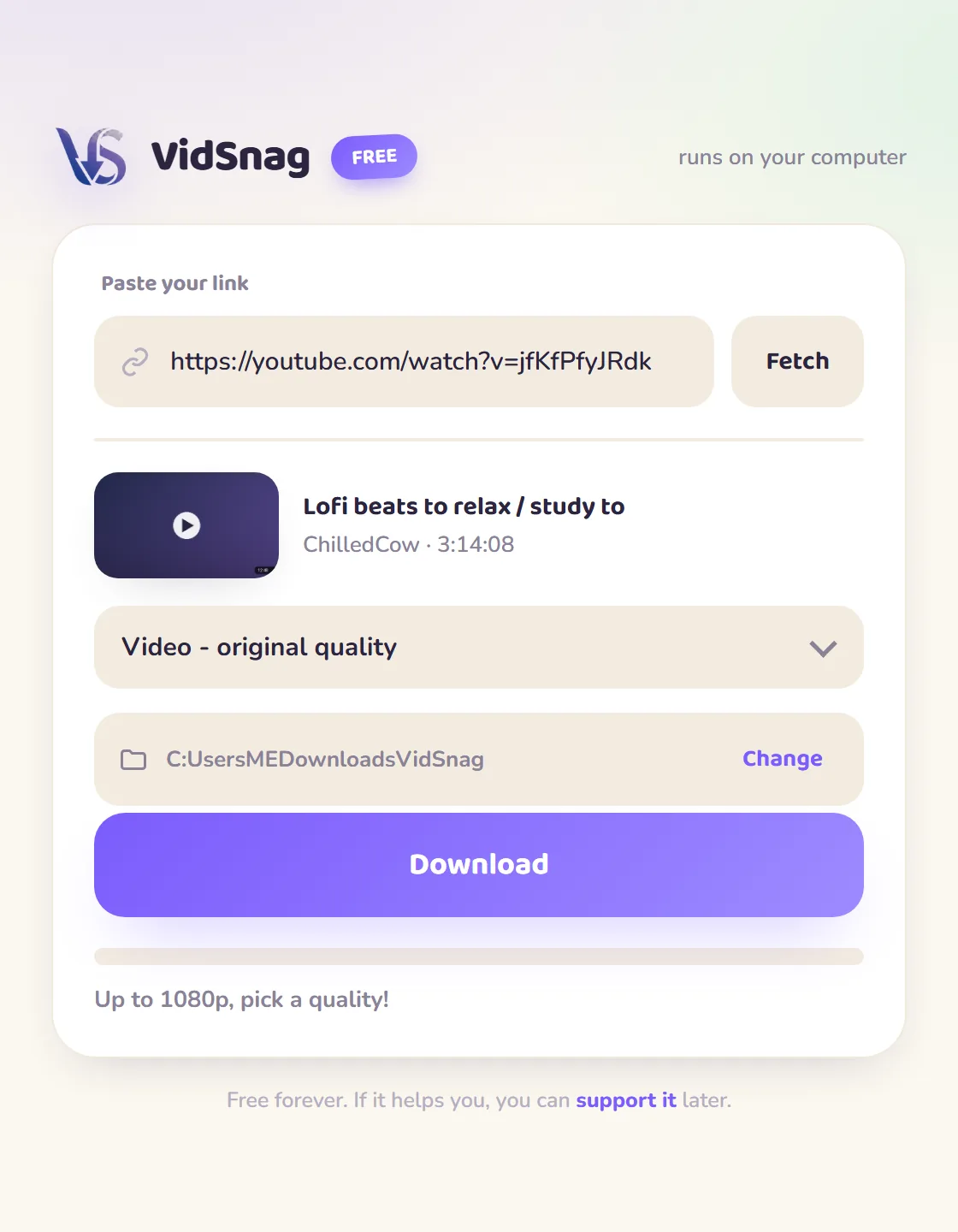
- Paste the link. Drop the link into VidSnag and it reads the video, ready to save in HD.
- Download the clean video. Click download and VidSnag saves the watermark-free MP4 to the folder you choose.
Online no-watermark sites vs VidSnag
| Online sites | VidSnag | |
|---|---|---|
| Pop-ups & fake buttons | Common | None |
| Re-watermarking | Often burn in their own logo or a "downloaded from" tag | Clean source, no mark added |
| Quality | Re-encoded, so it comes out softer | Untouched source, full HD |
| Privacy | Link sent to their server | Runs on your PC |
| Price | "Free" with upsells | Actually free |
Why a desktop app removes the watermark cleanly
Plenty of "no watermark" sites do remove the bouncing TikTok logo, but watch what they put back. Because they have to re-encode your clip on their server to strip the original mark, they frequently burn their own logo or a "downloaded from [sitename]" tag into a corner of the same file, so you trade one watermark for another. That re-encode also costs you picture quality: the video gets compressed a second time, edges go soft, and fast motion turns blocky. A local app sidesteps the whole round trip. VidSnag reads the clean source stream that TikTok already serves without the creator-watermark burn, saves it straight to your computer at full quality, and never stamps a mark of its own on the frame. For more options see the general TikTok downloader page, and for the step-by-step background read our guide on how to download TikTok videos without the watermark.
Frequently asked questions
Is the video really watermark-free?
Yes. VidSnag pulls the original file before the moving TikTok logo and username are stamped on, so the frame is clean with nothing covering the picture.
Can I get the audio only?
Yes. Choose the MP3 option instead of a video quality and VidSnag saves just the sound or song from the TikTok as an MP3 file.
Is this TikTok downloader really free?
Yes. VidSnag is completely free, with every feature included and no trial or paywall. It is funded by optional donations, not ads.
Is it safe?
Yes. It runs locally, bundles no adware, and is open source on GitHub with a published SHA-256 checksum and a clean VirusTotal scan, so you can verify it yourself.
Do the TikToks download in HD?
Yes. VidSnag saves the highest quality the original video offers, so clips stay sharp instead of coming out soft and re-compressed.
Do I need a TikTok account?
No account and no sign-up. Open the app, paste a public TikTok link, and download.
Does it work without the TikTok app installed?
Yes. VidSnag works from a link, so you can paste any public TikTok URL even if the app is not on your computer.
Is downloading TikTok videos legal?
You are responsible for what you download. Respect copyright and TikTok's terms, and only save content you have the right to keep.