 VidSnag
Home/TikTok to MP3
Free TikTok to MP3 Converter
VidSnag is a free TikTok to MP3 converter for Windows. Paste a TikTok link, choose the MP3 option, and save the sound as an audio file. It runs on your own computer with no ads, no pop-ups, no fake buttons, and no account, the opposite of the online tiktok-mp3 sites.
Sometimes you do not want the video at all. You want the song, the original sound, or the voiceover behind a clip so you can keep it as a ringtone, drop it into your own edit, or just listen on repeat. VidSnag is a small desktop app that pulls the audio straight from a TikTok link and saves it as a clean MP3, with nothing in the way.
Download VidSnag free for Windows
Free TikTok to MP3 converter. No ads, no pop-ups, no account.
Download VidSnag freeWhat you can save as MP3 from TikTok
VidSnag uses the open-source yt-dlp engine, so it can extract the audio behind any public TikTok:
- The original sound: grab the exact audio attached to a clip, perfect for reusing a trending sound in your own videos.
- Music in the background: pull the song or beat playing under a TikTok and keep it as a standalone MP3.
- Voiceovers and spoken clips: save a creator's narration, a quote, or a skit so you can listen without the video.
How to convert a TikTok to MP3
- Get VidSnag. Download and open the app. There is no account and nothing to sign up for.
- Copy the TikTok link. Tap Share on the TikTok video, then Copy link, or copy it from your browser's address bar.
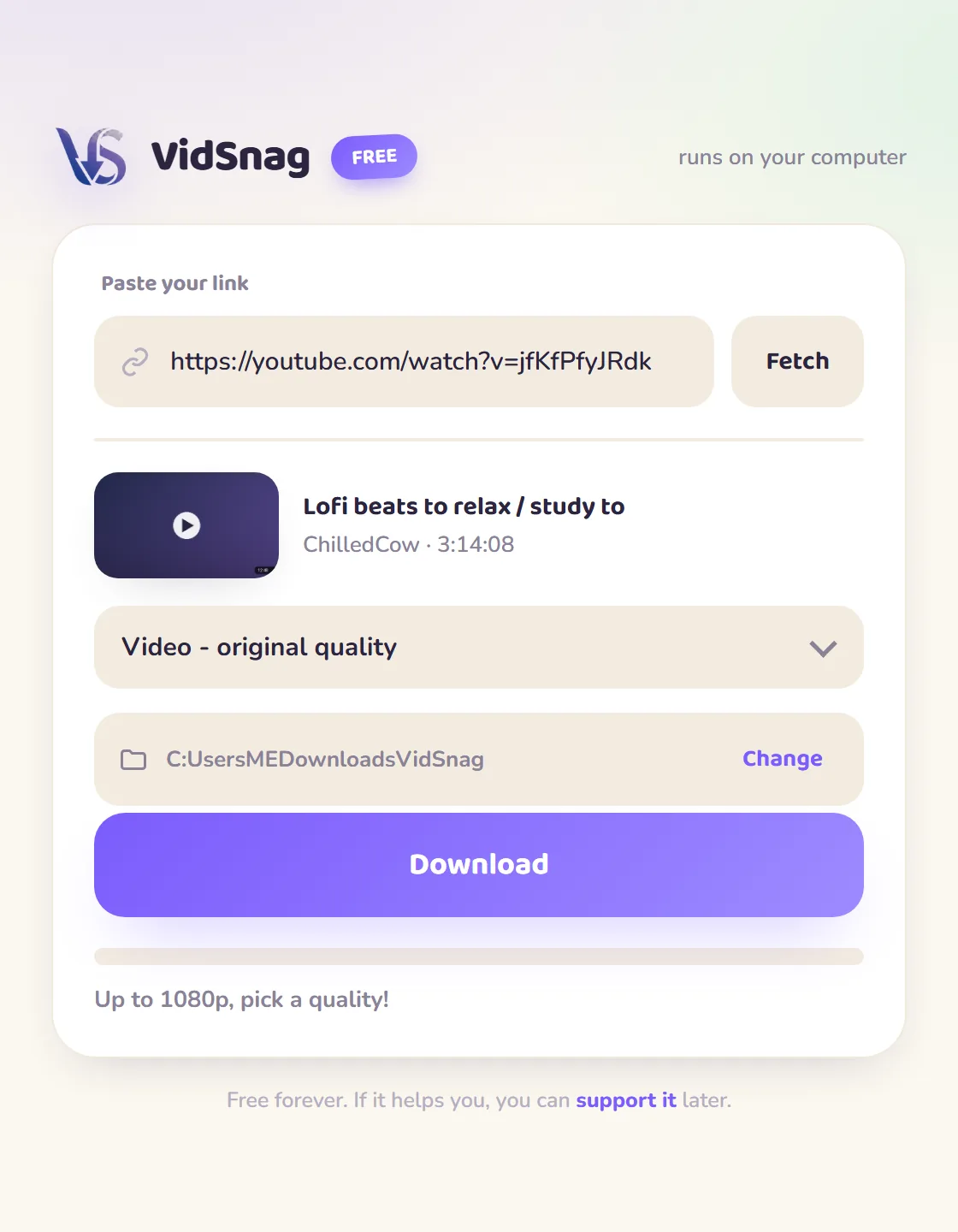
- Paste and choose MP3. Drop the link into VidSnag and pick the MP3 option so it saves audio only.
- Save the audio. VidSnag extracts the sound and saves it as an MP3 in the folder you choose.
Online tiktok-mp3 sites vs VidSnag
| Online sites | VidSnag | |
|---|---|---|
| Ads & pop-ups | Pop-unders and fake download buttons everywhere | No webpage, so nothing to click through |
| How the audio is made | Re-encoded again on their server | Original TikTok audio, written once to MP3 |
| Resulting sound | Muddier from a second lossy pass | Clean, no extra compression |
| Your TikTok link | Uploaded to their server to process | Stays on your PC, nothing logged |
| Saving several sounds | Back through the ad maze each time | Paste the next link and go |
Why a desktop TikTok to MP3 converter is better
An online tiktok-mp3 site has to receive your link, fetch the clip on its own server, and transcode the sound there before handing you a file. That server step runs the audio through a second lossy encode, so the original TikTok sound comes back a little muddier than it went in, and the whole flow is wrapped in pop-unders, redirects, and fake download buttons built to be misclicked. A desktop app skips all of that. VidSnag pulls the original TikTok audio straight from the link on your own machine and writes it once to a clean MP3, with no re-upload, no ad maze, and nothing logged. If you want the video itself instead of just the audio, use our TikTok downloader, and to skip the logo overlay see the guide on how to download TikTok videos without the watermark.
Frequently asked questions
Is this TikTok to MP3 converter really free?
Yes. VidSnag is completely free, with every feature included and no trial or paywall. It's funded by optional donations, not ads.
Is it safe?
Yes. It runs locally, bundles no adware, and is open source on GitHub with a published SHA-256 checksum and a clean VirusTotal scan, so you can verify it yourself.
Do I need a TikTok account?
No. You don't need an account or the TikTok app. You just paste a public video link and save the audio.
Does it save the original TikTok sound?
Yes. VidSnag extracts the exact audio attached to the clip, so you get the original sound, music, or voiceover.
Can I download the video too, not just the MP3?
Yes. Pick a video quality instead of MP3 to save the clip, or use our TikTok downloader page for video downloads.
What audio format does it save?
It saves a standard MP3 file that plays on any phone, computer, or music app.
Do I need to sign up?
No account, no sign-up. Open the app, paste a link, save the audio.
Is converting a TikTok to MP3 legal?
You're responsible for what you save. Respect copyright and TikTok's terms, and only keep audio you have the right to use.